
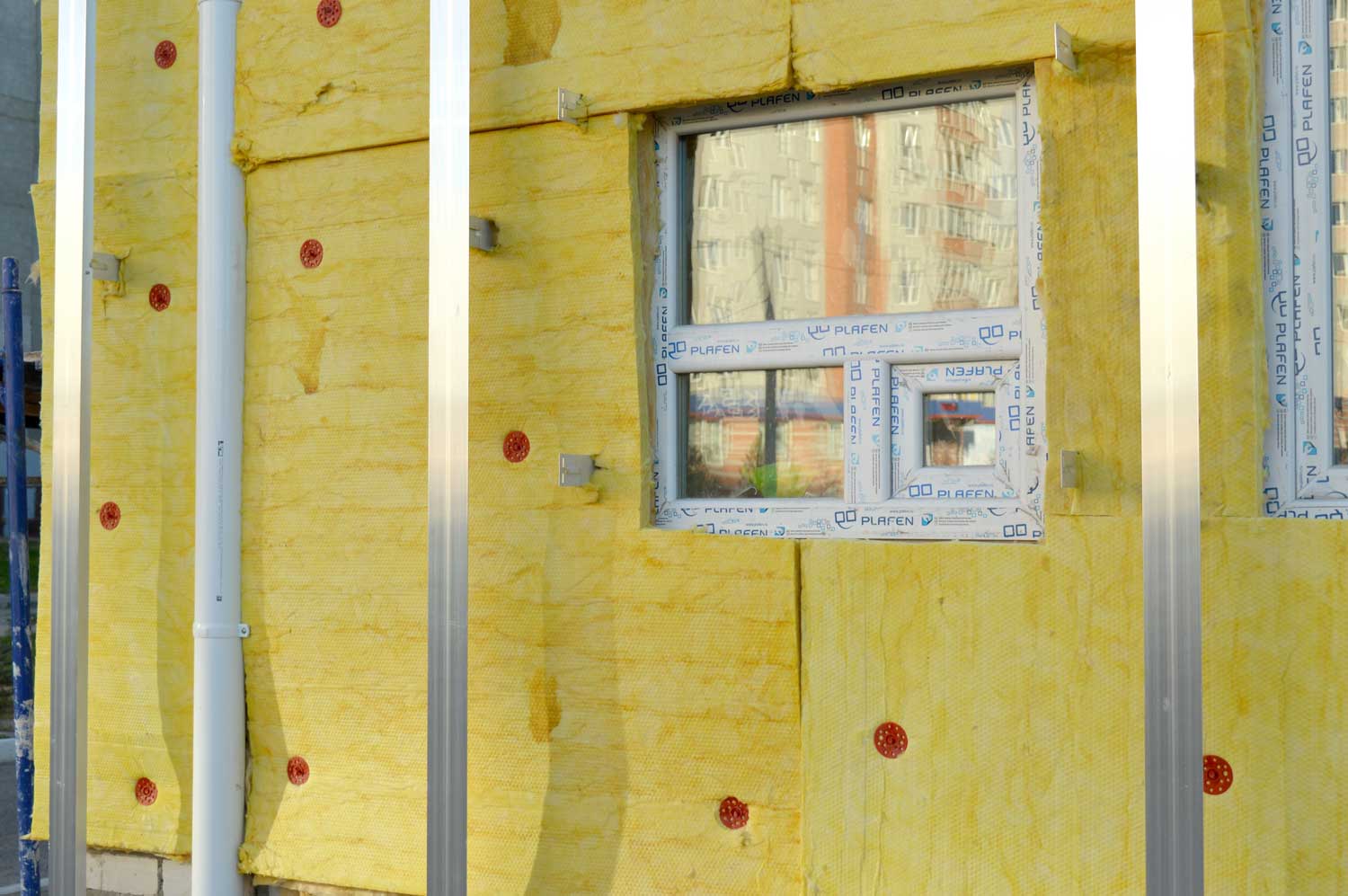
In our last post, we compared your Wi-Fi router to a single home radiator. The further away from it you move, or the more walls in your way, the “colder” your internet speed gets. But sometimes, your device goes completely freezing even when you aren’t that far away. Why? Because your home is full of invisible “digital insulation”, everyday materials and objects that soak up or completely bounce away your Wi-Fi signal.
If you are trying to push your internet signal through the house, here are the top four culprits acting like a giant block of ice in front of your digital radiator.
1 Foil-Backed Insulation (The Invisible Shield)
Many modern homes or recent extensions in Mayo use high-efficiency, foil-backed insulation boards inside the walls and under the floors. While this is incredible for keeping your physical house warm, it is an absolute disaster for Wi-Fi. The metallic foil layer acts exactly like a mirror, reflecting the wireless signal right back where it came from and leaving the next room completely offline.
2. Mirrors and Glass (The Digital Bouncers)
Speaking of mirrors, did you know that a large mirror on a wardrobe or hallway wall can cut your Wi-Fi signal in half? Mirrors are made by applying a thin layer of real metal (usually aluminium or silver) to the back of the glass. To an invisible Wi-Fi wave, a large mirror looks like a solid sheet of steel blocking the doorway.
3. Underfloor Heating & Thick Concrete (The Ceiling Barrier)
Trying to get Wi-Fi upstairs can be a massive struggle. If your home has hollow-core concrete floors or an active underfloor heating system, you are essentially asking your router to blast its signal through a massive, dense block of stone or a grid of water-filled pipes. The signal simply cannot pass through to the bedrooms above.
4.The Kitchen Triangle (Microwaves and Appliances)
The kitchen is the ultimate graveyard for Wi-Fi signals. Large metal appliances like stainless steel American fridges, dishwashers, and ovens absorb signals entirely. Even worse, standard kitchen microwaves operate on the exact same wireless frequency (2.4 GHz) as your router. If your router is near the kitchen, your internet might suddenly drop or stutter every single time someone heats up lunch!
How to “Bleed” Your Digital Radiators
You don’t need to knock down your walls to fix this. Making small adjustments to your home layout can instantly clear the blockages:
Elevate the Router: Don’t leave your router sitting on the floor or tucked onto the bottom shelf of a TV unit. Put it up on a mantle, a high shelf, or a sideboard. Giving it height lets the signal radiate downward and over furniture, rather than directly into it.
The Line of Sight Trick: Imagine a straight line from your router to your laptop or Smart TV. Does that line pass through a massive fridge, a brick fireplace, or a giant hallway mirror? If it does, moving your router just a couple of feet to the left or right can create a cleaner path for the signal to travel.
In our final post of the series, we will look at what to do when your house is simply too big or too thick for one router to handle alone and how to add the digital equivalent of “extra radiators” to your home plumbing network.
